
Core now supports custom fields to hide Emails or Names. This will limit who can see sensitive information. This documents shows you how to active this feature.
1- Edit or make a new Select One or Select Multiple Field.
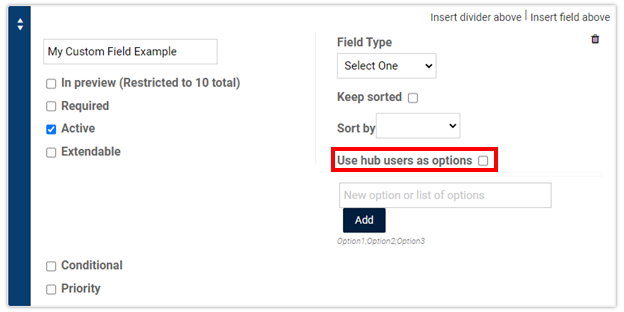
2- Make sure the mark next to check next to Use hub users as option is marked.
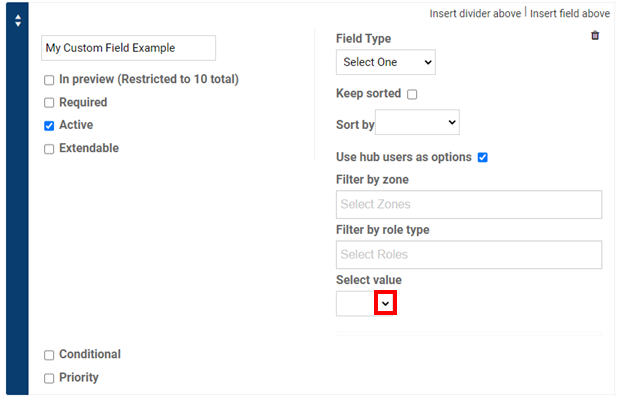
3- Click on the drop down box.
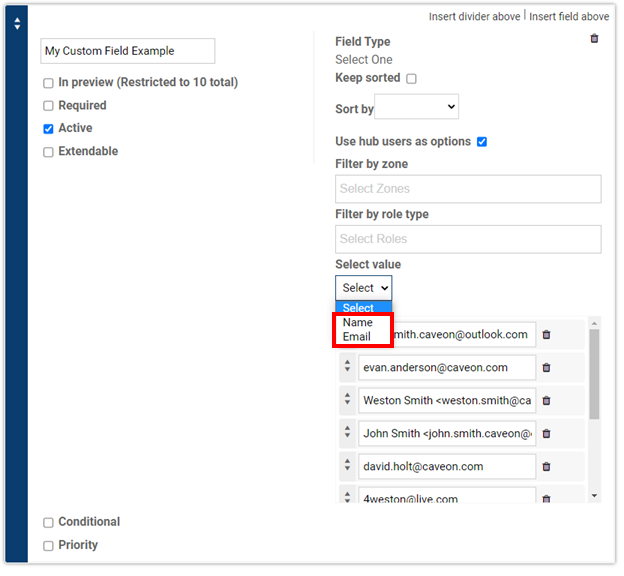
4- Click on Name to only show names and click on email to only show email.
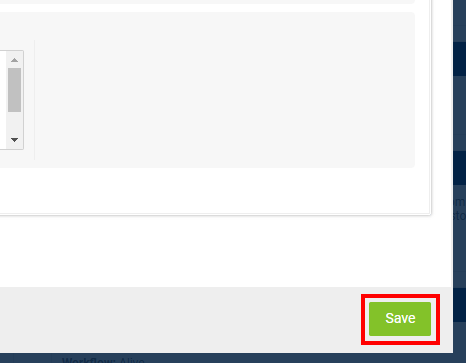
5- Save your changes by clicking on the save button in the bottom right corner.
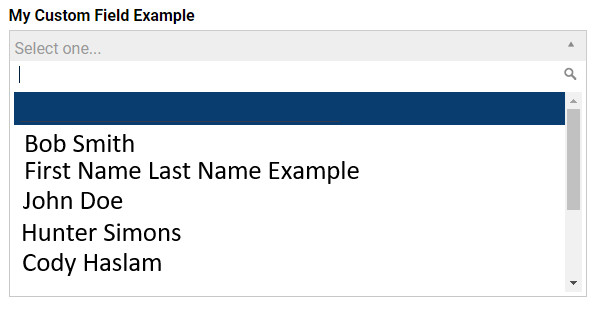
This is what you will see for Names:
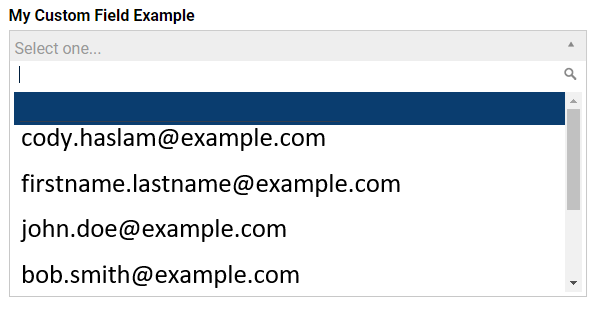
This is what you will see for Emails:
Comments
0 comments
Article is closed for comments.