
Core now supports custom fields to be restricted by roles. This will limit who can see the field while making a new incident. This documents shows you how to active this feature.
1- Edit or make a new Field.
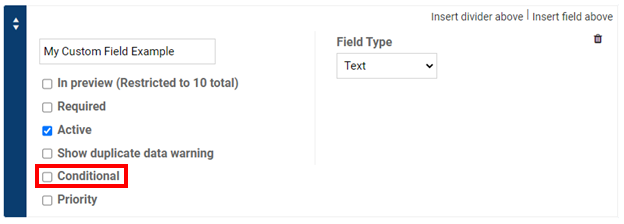
2-Click on the box next to Conditional (make sure it is marked).
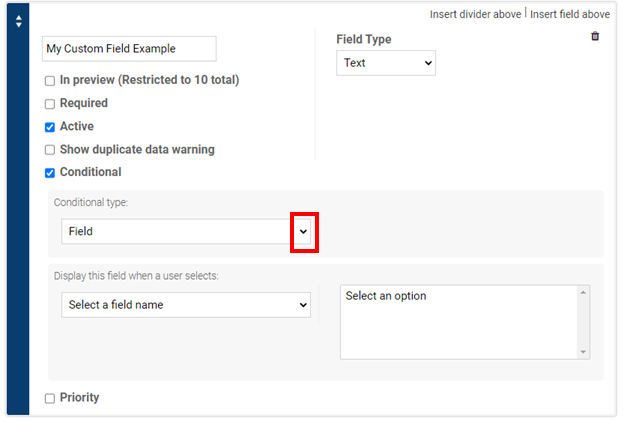
3- Click on the drop down arrow.
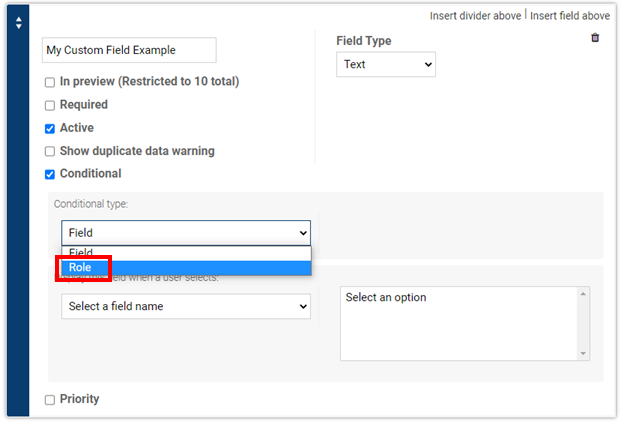
4- Click on Role.
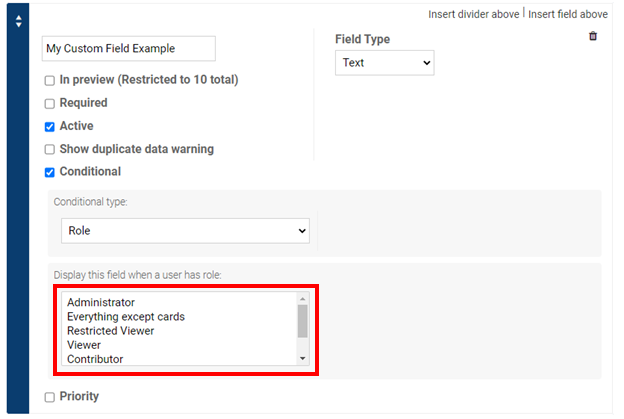
5- Select the role you would like to limit the field to.
6- Save your changes by clicking on the save button in the bottom right corner.
Comments
0 comments
Article is closed for comments.