
Caveon Core now lets you use the Select One and the Select Multiple Field Types that are filtered by zone or role type.
1- Create a new incident type or or edit a existing incident. This article is going to show an example of editing an existing Incident Type.
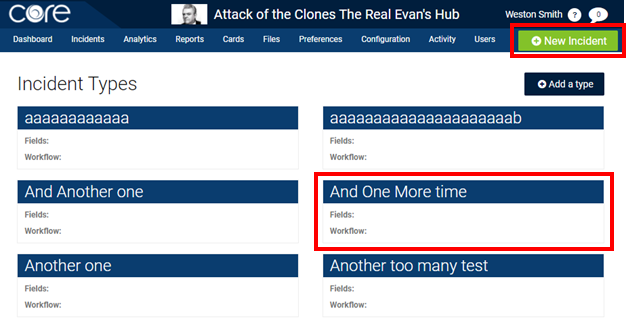
2- Click on the + Add a field button at the bottom of the pop up window.
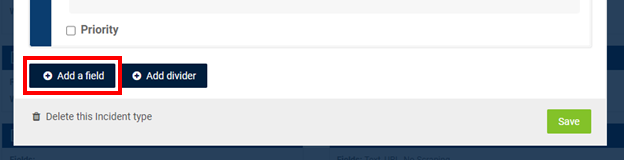
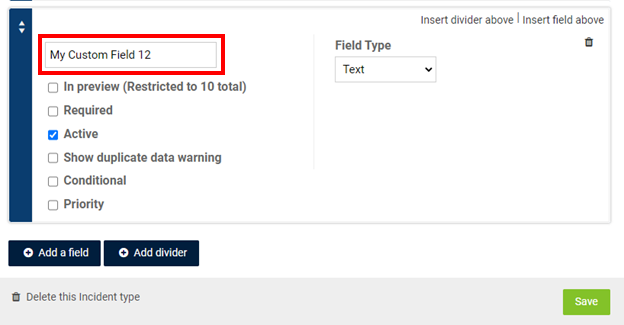
3- Name the Field.
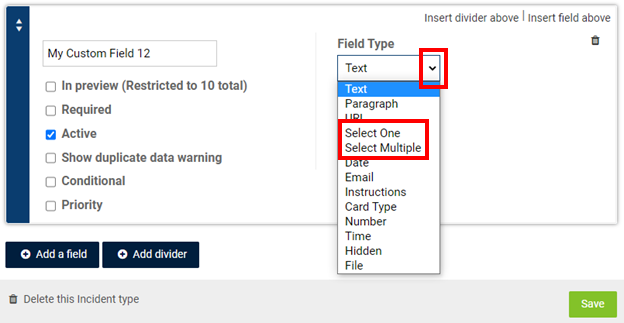
4- Click on the drop down arrow to select either Select One or Select Multiple
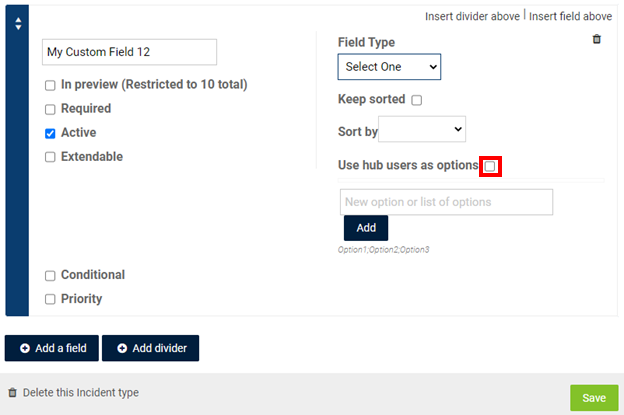
5- Click on the box next to Use hub users as options.
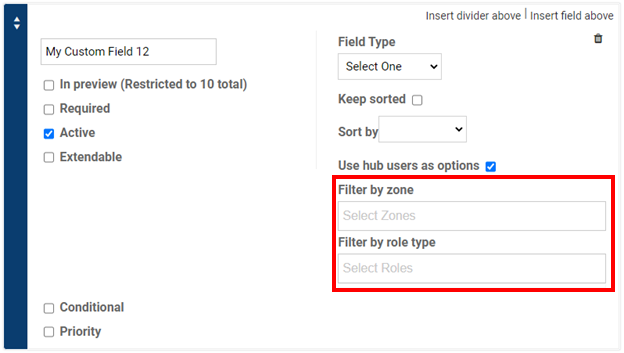
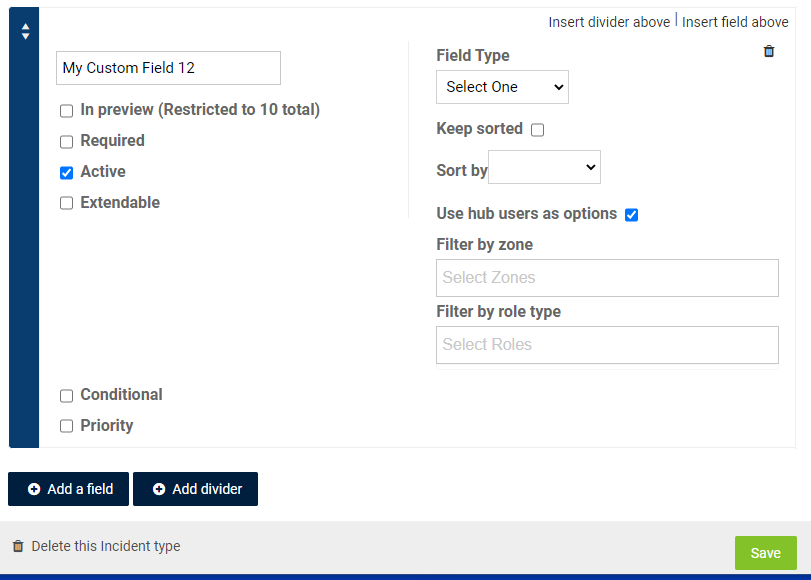
6- You can use the Filter by zone and Filter by role type. Note: if you filter by zone, you will only see users that have permissions to the zone you select.
7- When you have finished, click on the save button.
Comments
0 comments
Article is closed for comments.