
Caveon Core now can export user data.
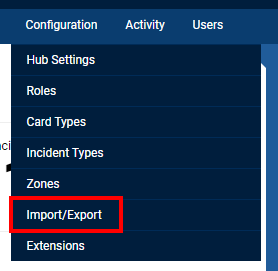
1- In the hub you would like to export the user data from click on the Configuration option at the top of the screen.

2- Click on the Import/Export option.
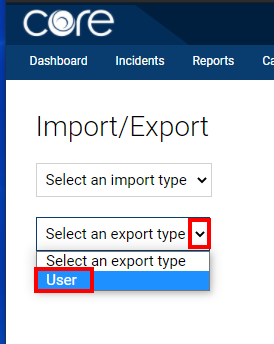
3- Click on the drop-down menu for the exporter and select User.
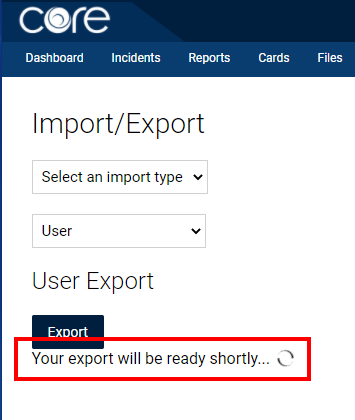
4- You will then see a loading icon. Your excel file will load in a few seconds.
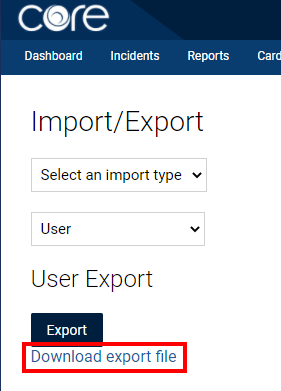
5- You then can click on the Download export file link to download the file.
This is how the excel file will be formatted.

Comments
0 comments
Article is closed for comments.