
Core lets you attach files to an Incident, including image files and pdf documents.
Also See: Creating and Editing Incidents in Core
1- In Core, select a hub (if you have more than one, if not you will see your dashboard) and click Incidents.
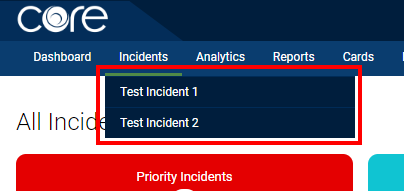
2- A drop down menu will appear. Click on the Incident Type the Incident it part of.
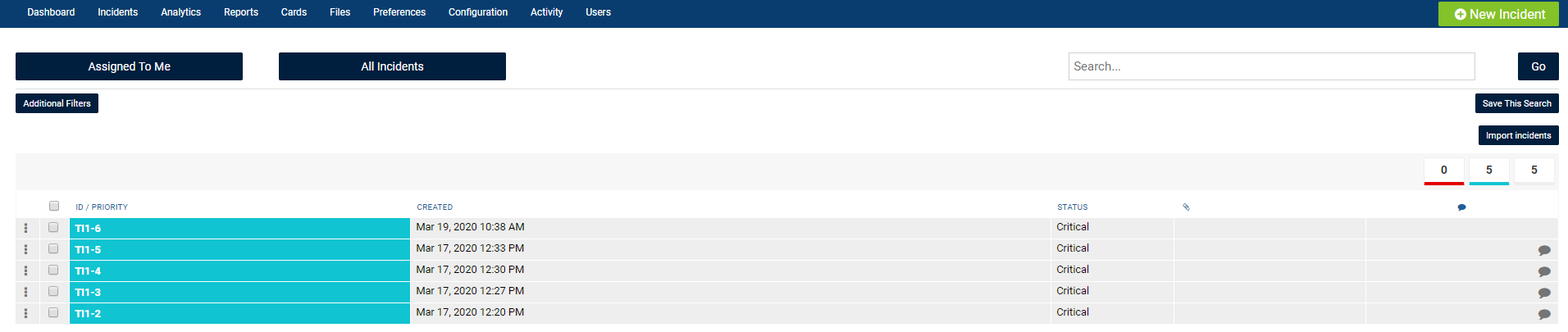
3- You will see the list of incidents. Click on the desired Incident.
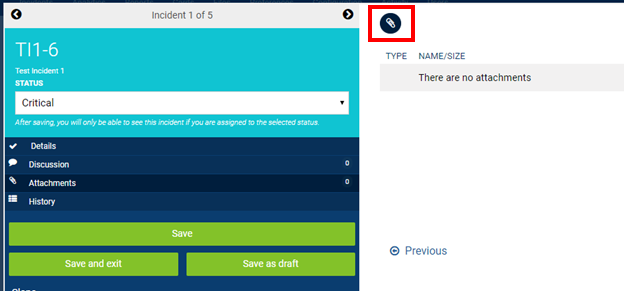
4- Click on the Attachments tab.
5- Click on the Paperclip icon on the right hand side of the screen.
Note: Use the Trashcan Icon to delete an attached file.
Comments
0 comments
Article is closed for comments.