
Related Topics:
How to Clear your Cache in Google Chrome
How to Clear your Cache in FireFox
How to Clear your Cache in Edge
How to Clear your Cache in Opera
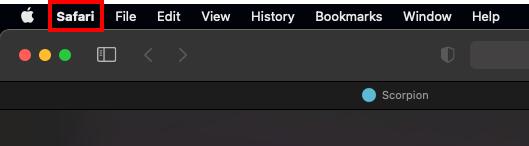
1- Click on the Safari menu.
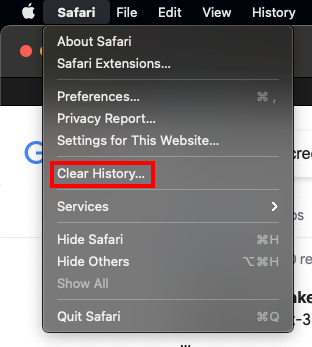
2- Click on the Clear History... option.
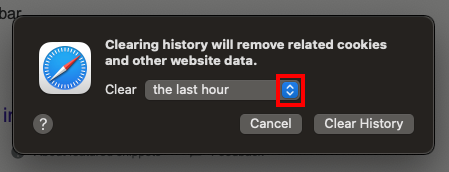
3- Click on the drop down arrows.
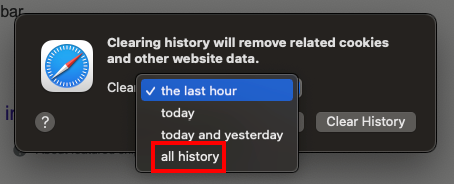
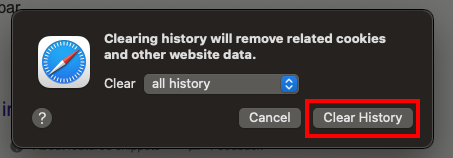
4- Click on the all history option.
5- Click on the Clear History button.
Comments
0 comments
Article is closed for comments.