
Related Topics:
How to Clear your Cache in Google Chrome
How to Clear your Cache in Edge
How to Clear your Cache in Safari
How to Clear your Cache in Opera
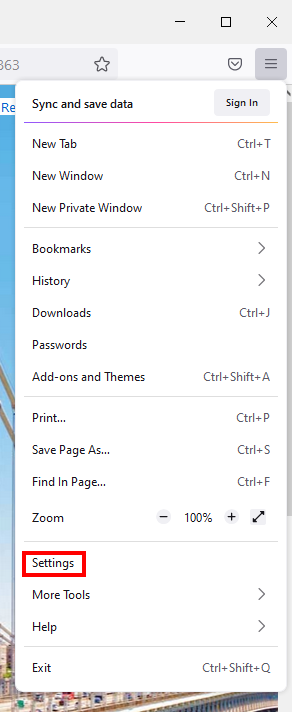
1- Click on the three horizontal lines in the top right corner of the browser.

2- Click on the Settings options.
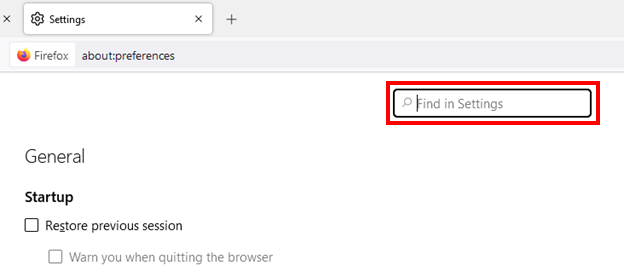
3- In the search bar at the top of your screen type cache.
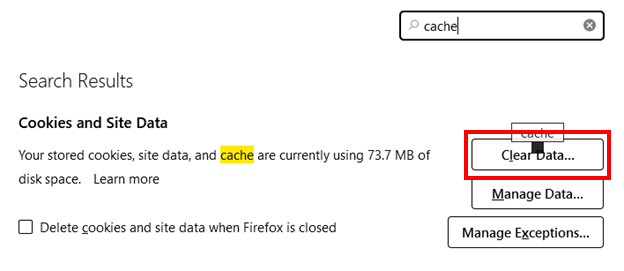
4- Click on the Clear Data... button.
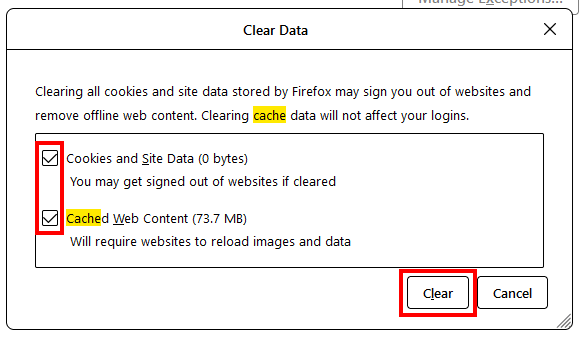
5- Make sure both boxes are marked then click on the Clear button.
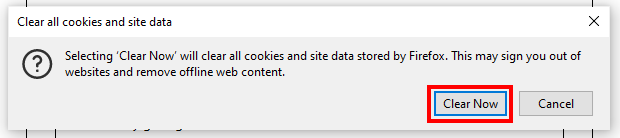
6- Click on the Clear Now button.
Comments
0 comments
Article is closed for comments.