
After you have changed your Zendesk password, save it in KeePass. This is how to use KeePass: https://support.caveon.com/hc/en-us/articles/360058352232
Here is what you do to change the password:
1- Go to https://support.caveon.com/hc/en-us
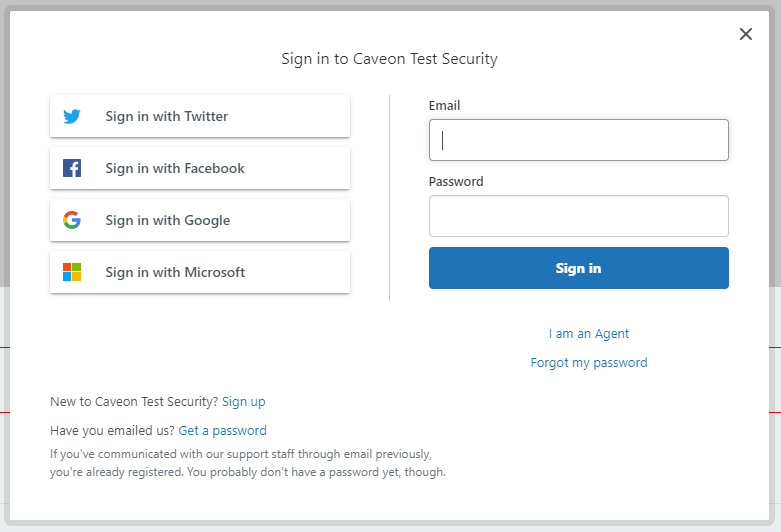
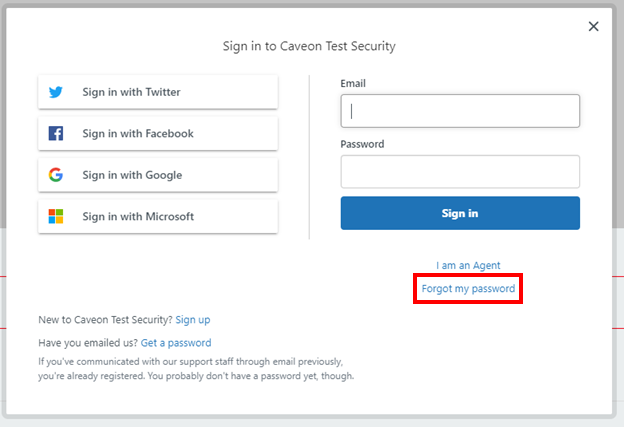
2- Click on the Forgot my password option.
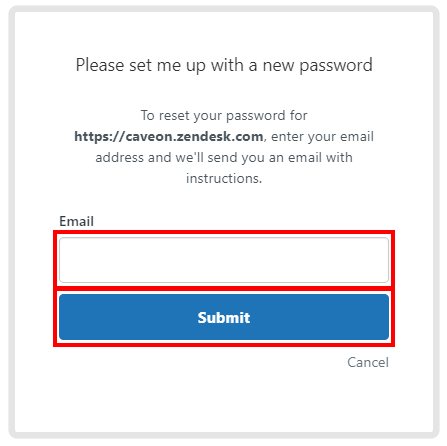
3- Enter your email and select Submit.
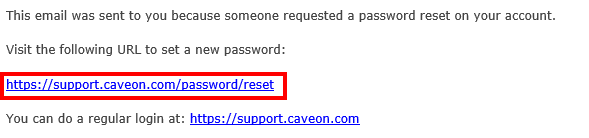
4- You will receive an email with a link to reset your password. Click on the link.
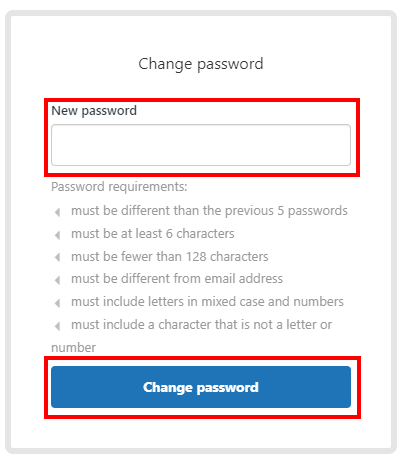
5- Enter the new password and select Change password.
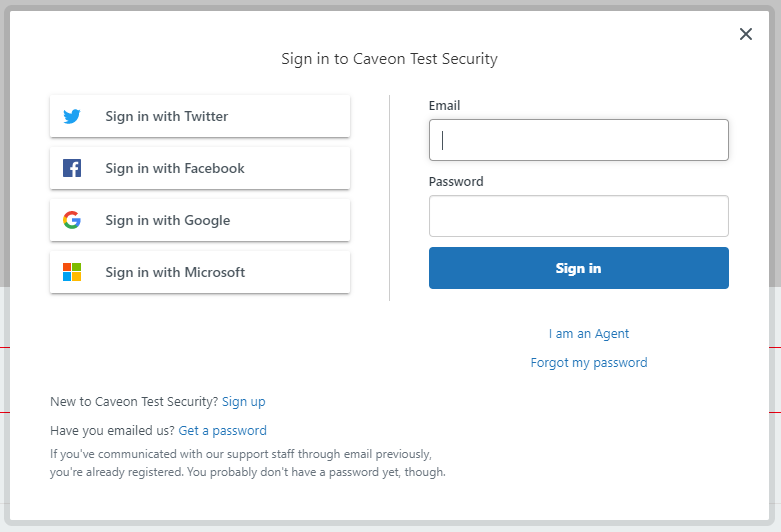
You have successfully changed your password if you are redirected to the login page.
Comments
0 comments
Article is closed for comments.