
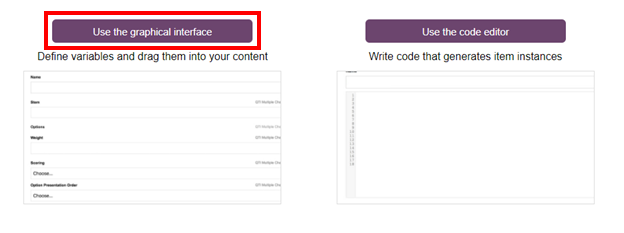
1- Open the Graphical Interface.
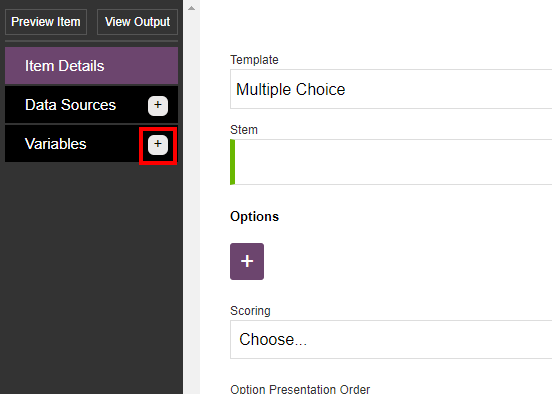
2- Click on the plus button next to Variables on the the top left side of the window.
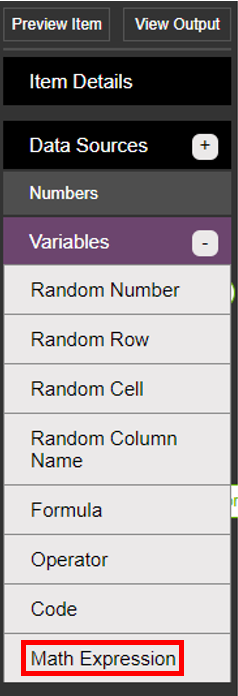
3- Click on the Math Expression option.
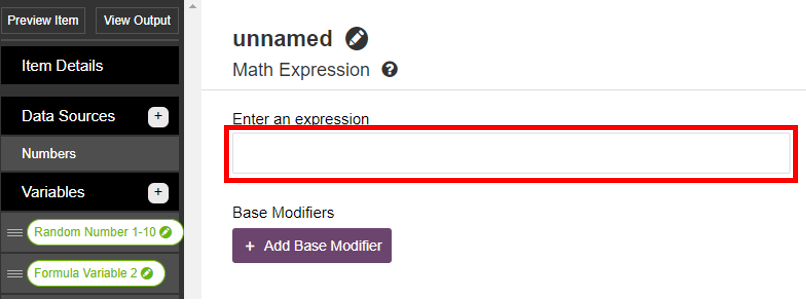
4- Write complex math expressions in the field below. Some examples of possible expressions includesqrt(3^2 + 4^2),2 inch to cmandcos(45 deg). You can include variables in an expression using the following syntax{{variable name}}. For additional help, click here.
5- Click on the Save button when done.

Comments
0 comments
Article is closed for comments.