
You can now reuse variables in SmartItems. This works for all types of variables. This document will show you how using the graphical interface.
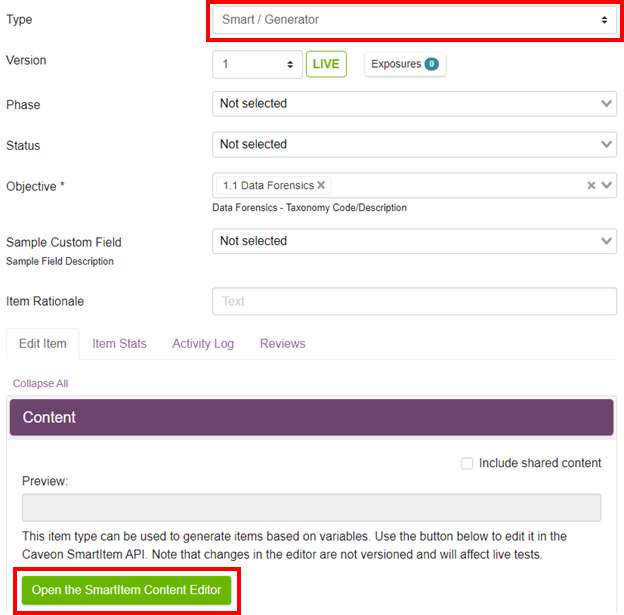
1- Create or open an Item in Scorpion. Set the type of the item to Smart/ Generator then click on the Open the SmartItem Content Editor button.
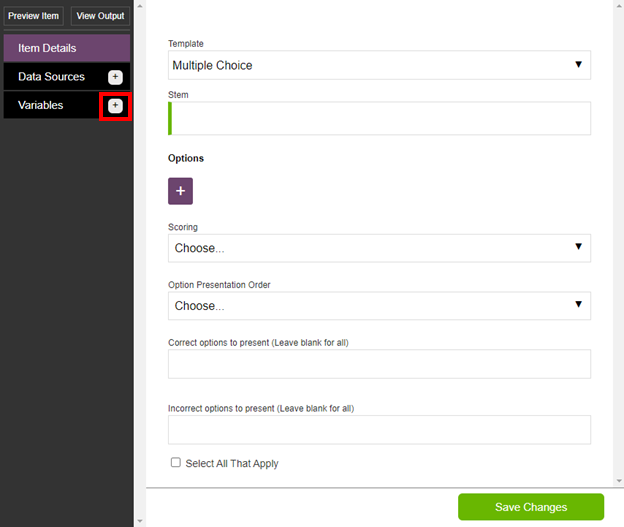
2- Create a Variable by clicking the plus symbol next to Variable.
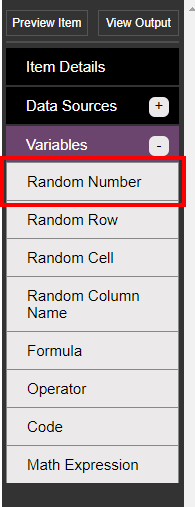
3- Select the type of variable you would like to use. This example will use the Random Number variable. You will also need to set the variable up.
4- Click on the Item Details tab.
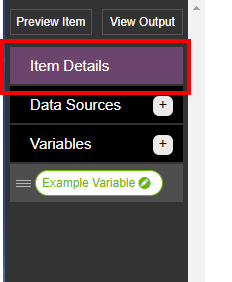
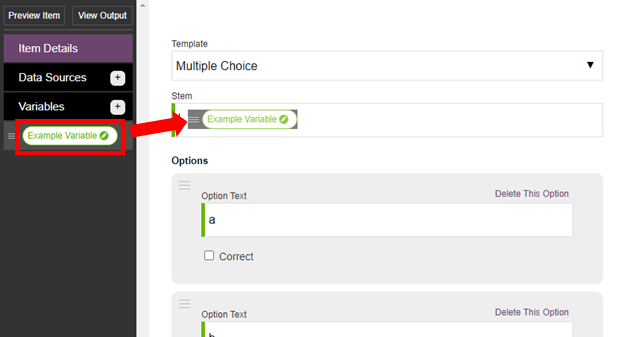
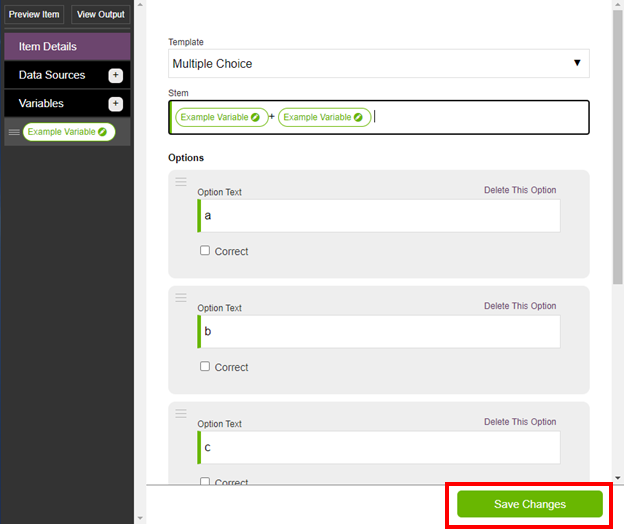
5- Click and drag the variable into the stem twice.
6- Click on the Save Changes button.
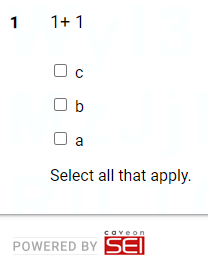
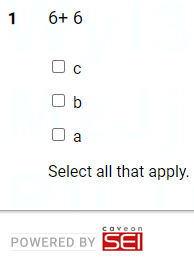
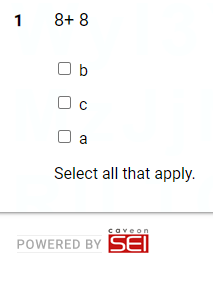
The variable will always stay the same when the item is generated. Result:
Comments
0 comments
Article is closed for comments.