
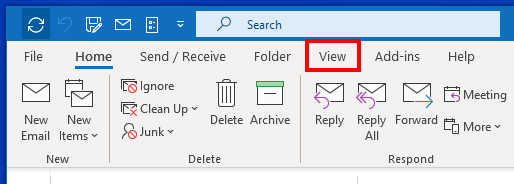
1- Click on the View tab.
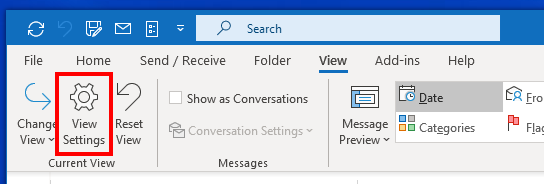
2- Click View Settings
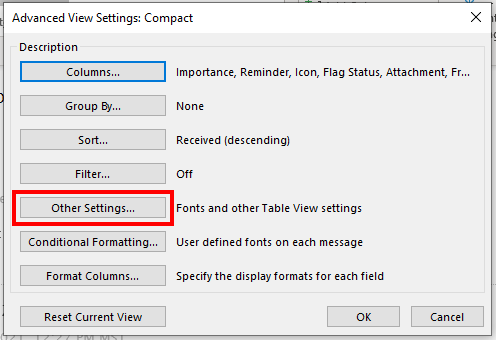
3- Click on Other Settings...
Column Font
4- Click on the Column Font... button
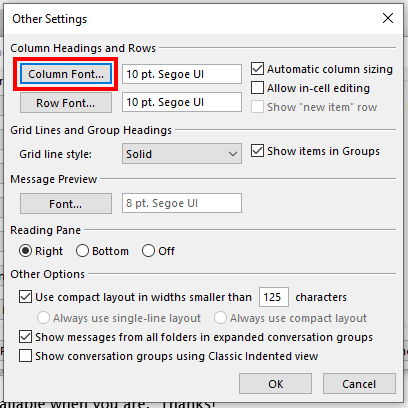
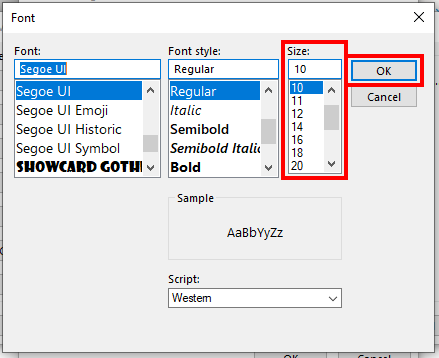
5- Choose your font size then click the OK button.
Row Font
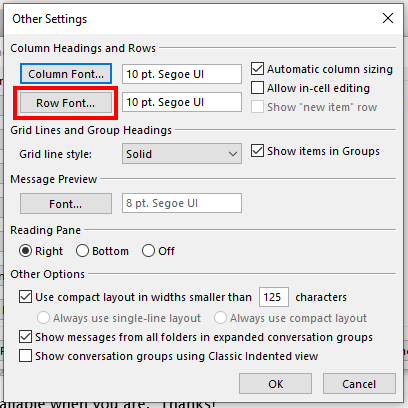
6- Click on the Row Font... button
7- Choose your font size then click the OK button.
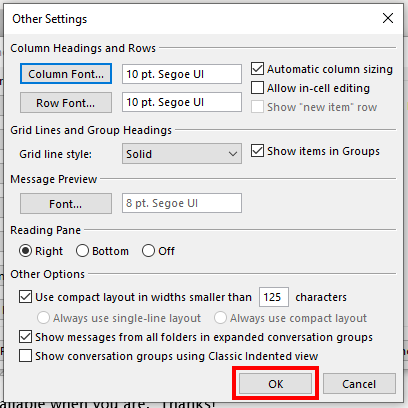
8- Click the OK button when done.
Comments
0 comments
Article is closed for comments.