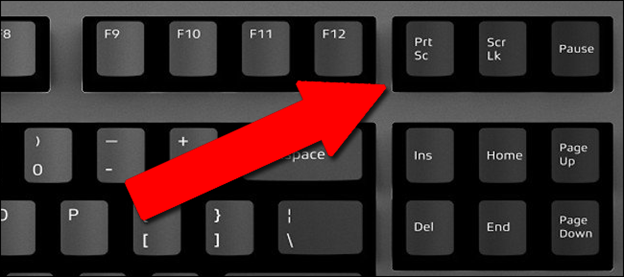
1- Press the Print Screen key (it can be shortened to PRTSCN, PRTSCR, PRTSC etc.).
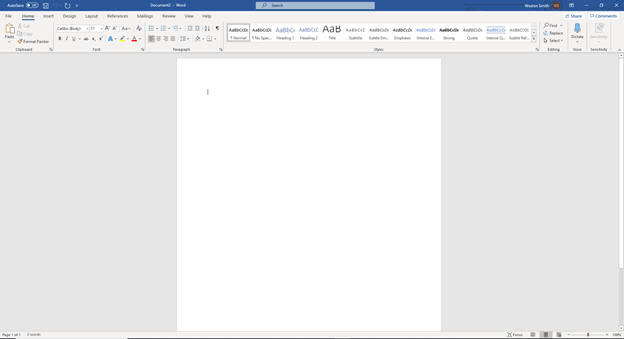
2- Open a Microsoft Word Document.
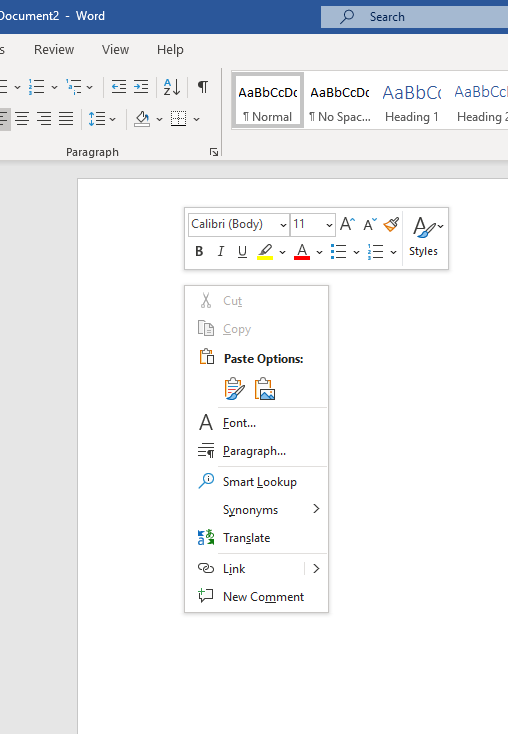
3- Right click in the document’s writing area. You will see a pop-up menu:
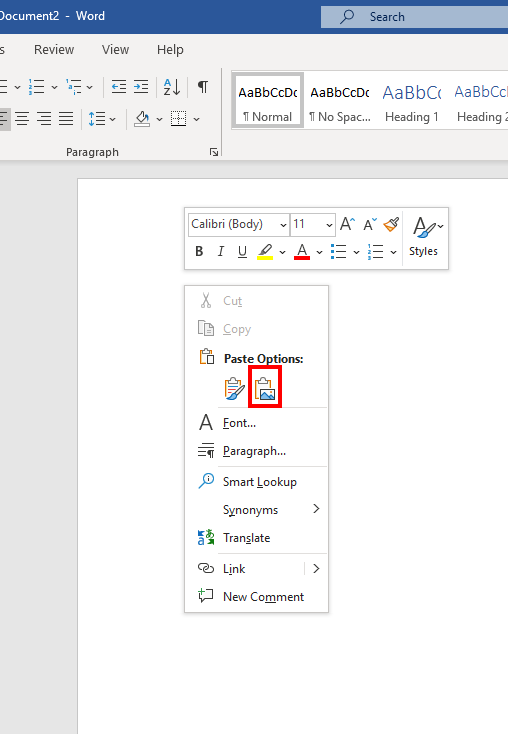
4- Click the on the click board with a picture on it.

1- Press the Print Screen key (it can be shortened to PRTSCN, PRTSCR, PRTSC etc.).
2- Open a Microsoft Word Document.
3- Right click in the document’s writing area. You will see a pop-up menu:
4- Click the on the click board with a picture on it.
Comments
0 comments
Article is closed for comments.