
Sometimes programs/ applications on windows freeze up, will not close or have various other issues. This article will show you how to shut down these programs/ applications.
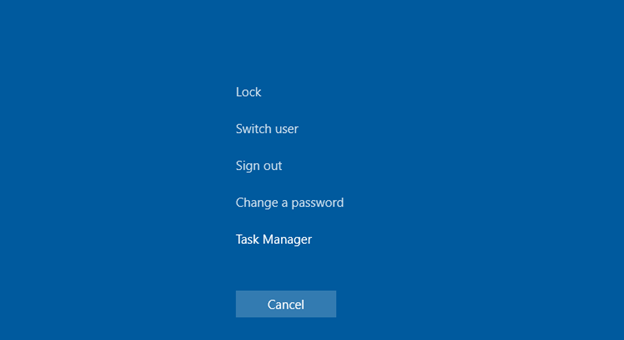
1- press the CTRL + ALT + DELETE keys at the same time.

You will then see the following screen:
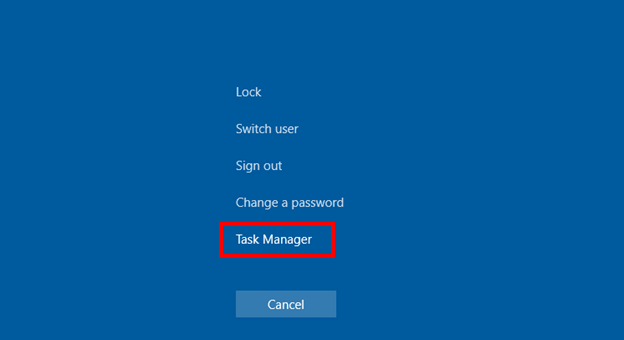
2- Click on Task Manager.
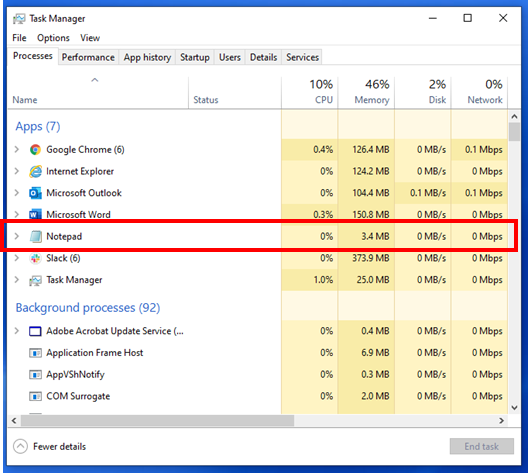
You will then see this window:

3- Click on the application that you want to stop (in this example I am using notepad).
4- Click on the End Task button.
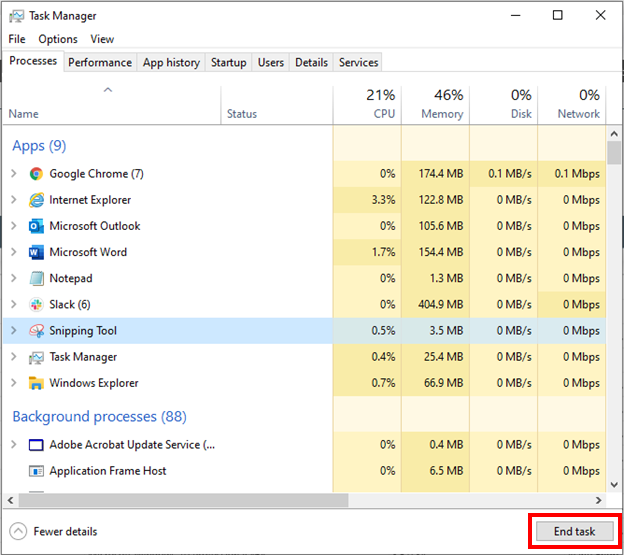
This will stop the application. Keep in mind that any unsaved documents or work in that application may be lost.
Comments
0 comments
Article is closed for comments.